A little inspiration for your show
Official software
Download xLights
Start at the official xLights site for downloads and release information.
xLightsOpen resource
THE LIGHT SHOW RESOURCE SHELF
From your first pixel to your next big prop. Find the software, tutorials, parts, and print files to bring your display to life.
Back to the studioGet the software, make a show folder, and learn the basics.
Start at the official xLights site for downloads and release information.
A guided introduction to installation, show folders, models, and sequencing.
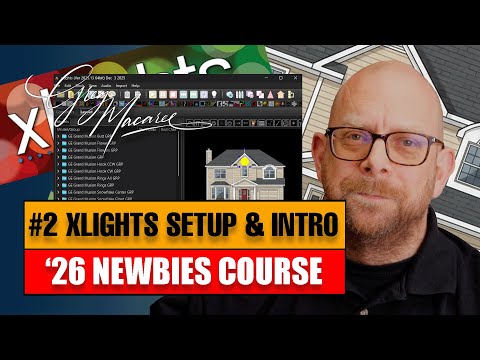 Watch preview
2026 Newbies Course: installation and first layout
The 2026 Newbies Course introduction to installing xLights and starting a layout.
 Watch preview
How To Use xLights For Beginners
A longer walkthrough of the basics. Menus may differ from your installed version.
Keep the reference handy as you build your display and troubleshoot.
Represent your real props, positions, groups, and wiring in xLights.
Learn the layout workspace before placing and configuring your props.
House images, scaling, your first prop, windows, lines, and submodels.
Community sessions covering layout, sequencing, networking, and show playback.
Turn a sequence into real pixels. Start with the guide for your own controller.
Explore controller families, wiring, power, and addressable LED projects.
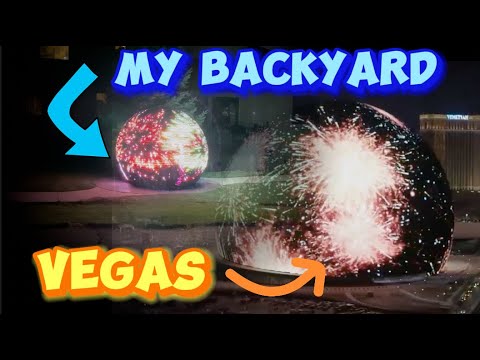 Watch preview
We Built a Replica of the Las Vegas MSG Sphere
Browse the DrZzs channel for lighting projects, controller walkthroughs, and DIY ideas.
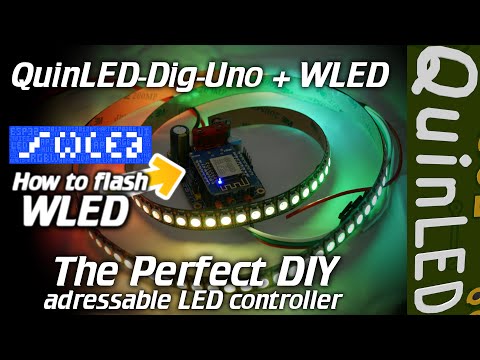 Watch preview
WLED Tutorial: the ultimate DIY RGB controller
Watch QuinLED-related projects, LED experiments, and controller discussions.
Configure controllers and learn how xLights sends data to your display.
Beginner videos for wiring pixels and power, then setting up controllers in xLights.
Get acquainted with WLED, connect it to Wi-Fi, and find your device.
Install firmware on a supported board using a USB data cable and desktop Chrome or Edge.
Use the wiring reference for your board, LEDs, and power arrangement.
Specifications and documentation for this ESP32-based WLED controller family.
Some links below are paid links. As an Amazon Associate I earn from qualifying purchases. Explore parts on Amazon or visit the DrZzs shop, and check the exact listing before buying.
Browse QuinLED controllers, ESP32 modules, and lighting accessories.
Look for 12 mm addressable pixel strings for props and outlines. Match 5 V or 12 V, spacing, and connector type.
Explore addressable strips for compatible projects. These differ from WS2811 bullet strings; check voltage and pixel density.
Compare the exact chip and board against WLED compatibility guidance; USB connector and flash size vary.
Match your existing connector family, pinout, wire size, and polarity.
Browse mounting strips for trees, outlines, and other 12 mm pixel builds.
Explore enclosures and cable glands sized for your controller and mounting plan.
Choose the correct output voltage and capacity for your build; consult the wiring guide first.
3D-print files for props, tree hardware, and arch supports. Check pixel size, printer dimensions, outdoor material suitability, and each creator’s license.
Browse props, pixel clips, tree toppers, and controller mounts tagged for xLights.
A snowflake design built around WS2811 LED strip. Read the build notes for its hardware requirements.
A community mini-tree design. Review the creator’s dimensions and pixel requirements before printing.
Printable tree-top hardware; check the design against your pole and pixel-strip arrangement.
Arch support files designed for UK-sized supports. Measure your tubing before choosing a design.
A pixel-art case project for a 64-LED WS2812B matrix, with links to the creator’s build tutorial.
Product links open Amazon searches; images are category illustrations rather than photos of specific listings. Retailers control availability and prices. Check product compatibility and print instructions before buying or building.
FaLaLaLaLumin is independent of the projects, creators, and stores listed here.